
Appearance
Notification
The notification settings are designed to allow someone to be notified when a workflow completes in a certain way -- usually failure.
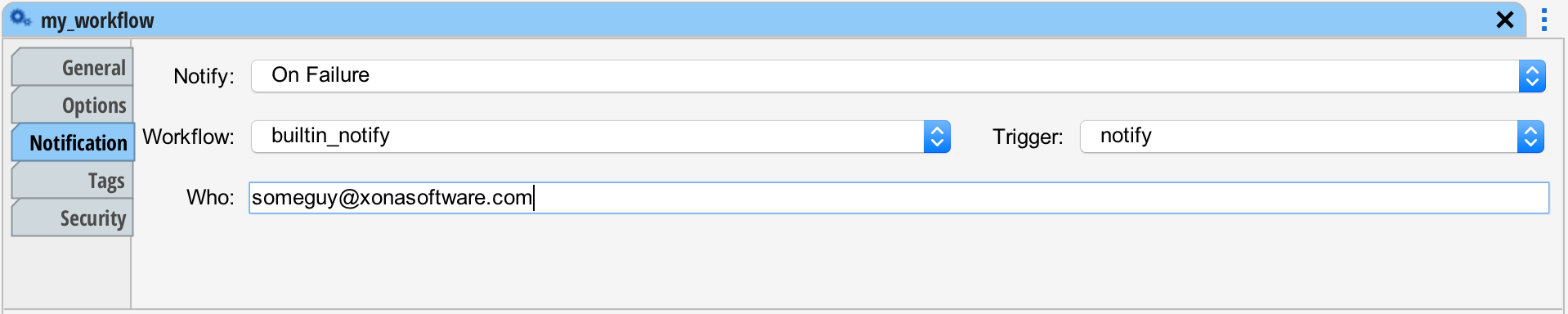
The "Notify" setting can be set to "Never", "On Failure", "On Success" or "Always". When a workflow completes these settings cause a notification to be made.
The notification is just a workflow. By default "builtin_notify" (and trigger "notify") are executed. The builtin_notify is a workflow shipped with situate. It can be found in the Builtin queue. This workflow sends an email to the email address in the "Who" field.
You can build your own notification workflow to customize the notification as you need it. The builtin_notify workflow provides a good example of how to do it.
When creating your own notification workflow, make sure to check the "This workflow is a notification workflow" checkbox in the Options tab. You can force new workflows to pre-select your notification workflow in lieu of the Situate default by checking the "This workflow is the default workflow" checkbox.