
Appearance
Manual
The manual trigger starts a workflow whenever a user intentionally starts it.
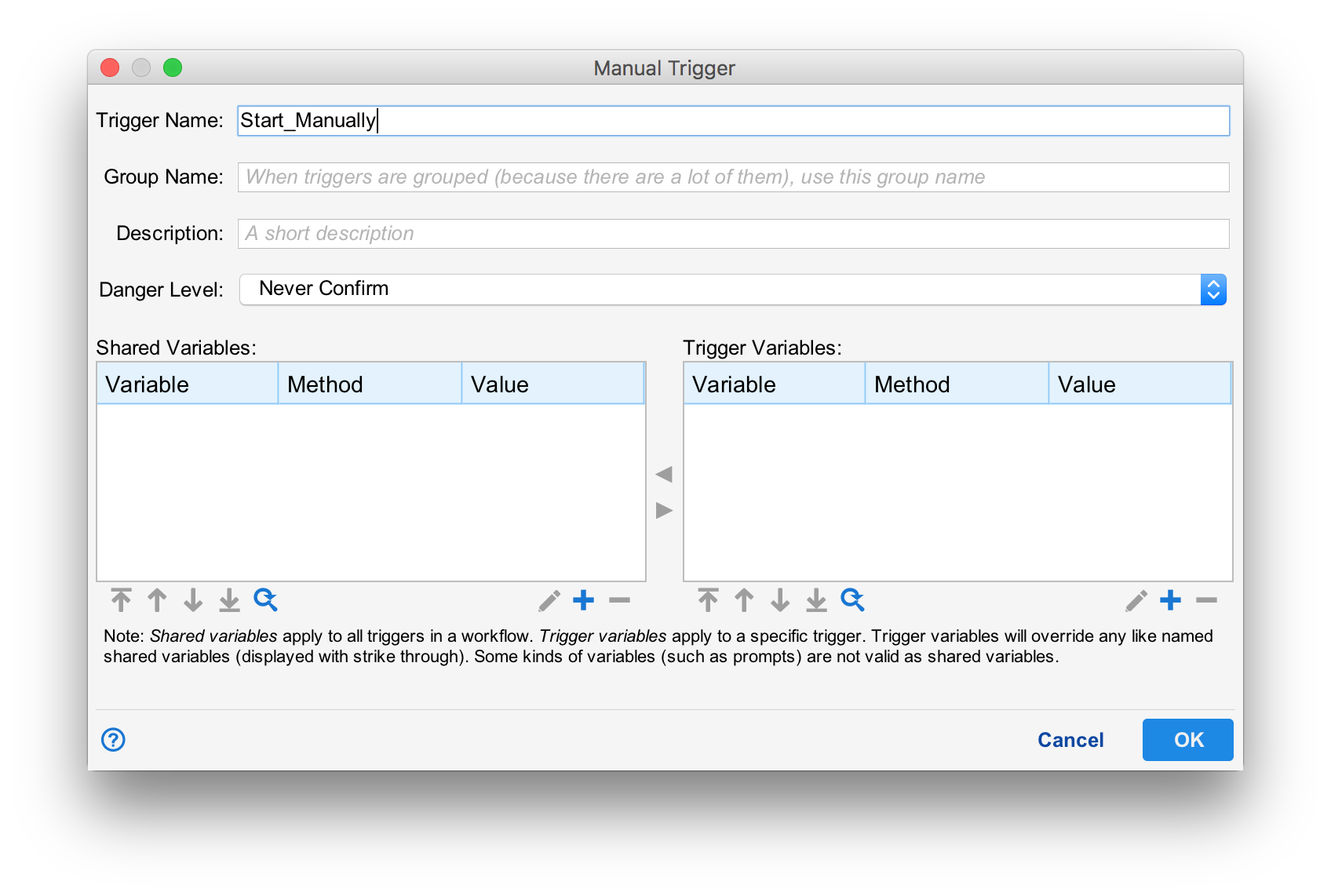
Like all triggers, the manual trigger requires a name and description. Variables can be set just like any other trigger (See Passing Variables with Triggers).
Group Name
When a workflow has a lot of triggers, the group name is used to group similarly named triggers to make them easier to find in the UI.
Danger Level
The danger level helps prevent accidental firing of the workflow. The following levels are supported:
- Never Confirm. The users is never prompted. The workflow is executed without question.
- Confirm. The user is asked to be sure they want to execute the workflow. It is possible for them to check "Don't ask me again" to prevent future questions about this specific workflow and trigger.
- Always Confirm. The user is asked to be sure they want to execute the workflow. It is NOT possible for them to prevent future questions.
- Confirm Dangerous. The user is prompted with a dire warning. A four digit code is presented. The user must enter the code to be absolutely sure their intention is to execute the workflow.