
Appearance
Database Endpoints
An Database endpoint allows you to execute queries and updates on any database that supports a JDBC driver.
Creating or Editing an Database Endpoint
You create or edit an endpoint in the Object Browser under "Endpoints".
To create a new endpoint, expand "Endpoints", right-click on "All" and use the "New" menu item. To edit an endpoint, expand the "All" folder, find the endpoint, right-click and select "Edit".
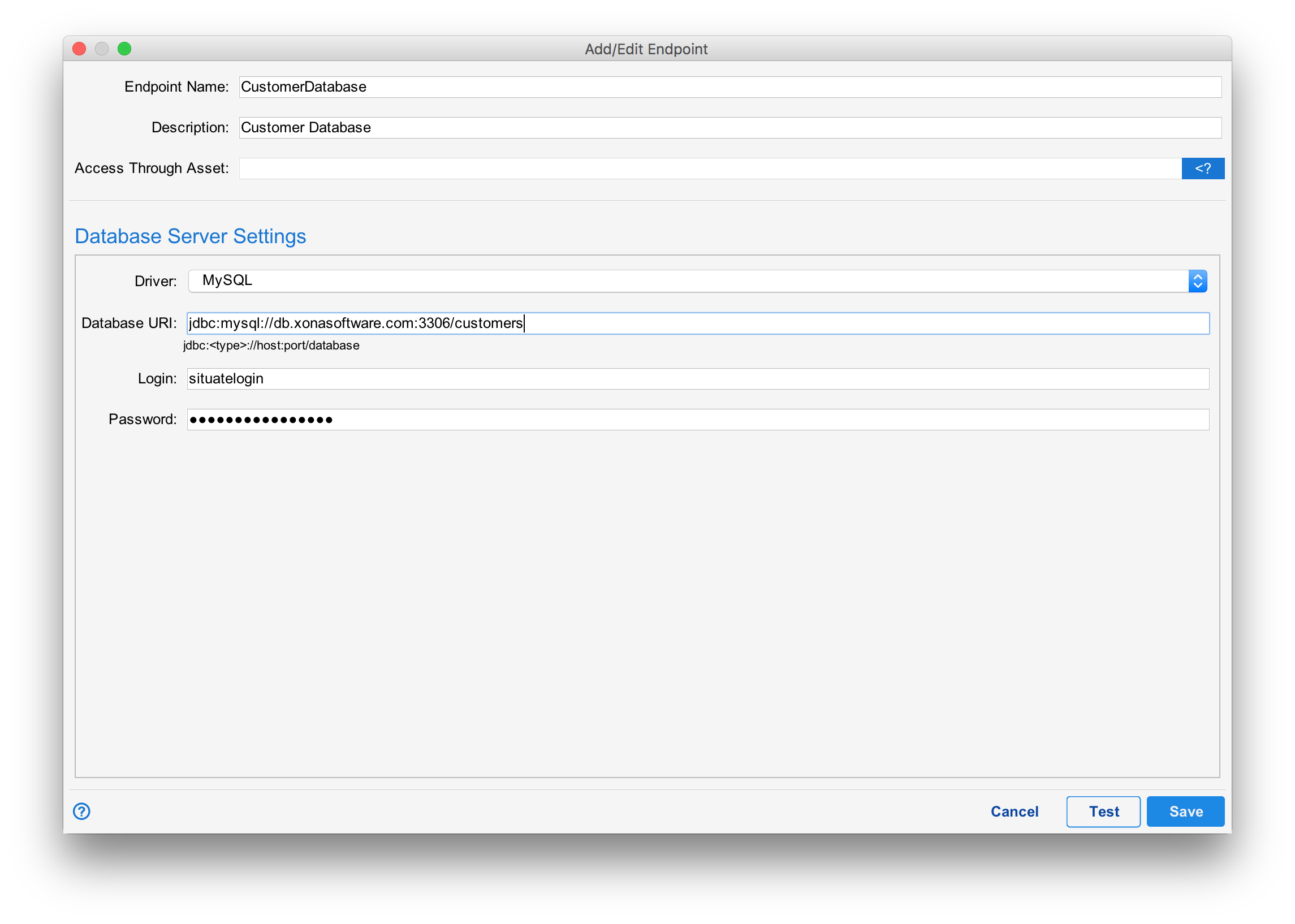
Settings
| Setting | Description |
|---|---|
| Endpoint Name | A unique name to identify this database endpoint within Situate. |
| Description | A helpful description of the endpoint. |
| Access Through Asset | Not applicable to Database Endpoints. |
| Driver | The JDBC driver class name for your database. See below. |
| Database URI | The URI to your database. The format of the URI is dependent on the database you are connecting to. This information will be available from your database vendor. |
| Login | The username to authenticate with the database. |
| Password | The password to authenticate with the database. |
Drivers
Situate uses JDBC (Java Database Connectivity) to connect to your database. Each vendor will publishes a JDBC driver. In some cases open source drivers exist for certain databases that are not provided by the vendor. You will need to contact your database vendor or consult their documentation to find the correct driver. The driver should be compatible with Java version 1.8.
Drivers are installed in the "Server Settings" configuration. See Third Party Drivers for more information.
Testing Settings
You may test your settings by pressing the "Test" button at the bottom of the configuration dialog. Situate needs to save endpoint settings before it can test them. Therefore, once tested, the "Save" button will be disabled.