
Appearance
Annotation Shapes
There are two kinds of annotation shapes: Rectangle and Cloud. All of the shape annotations are in the "Annotations" tab of the palette.
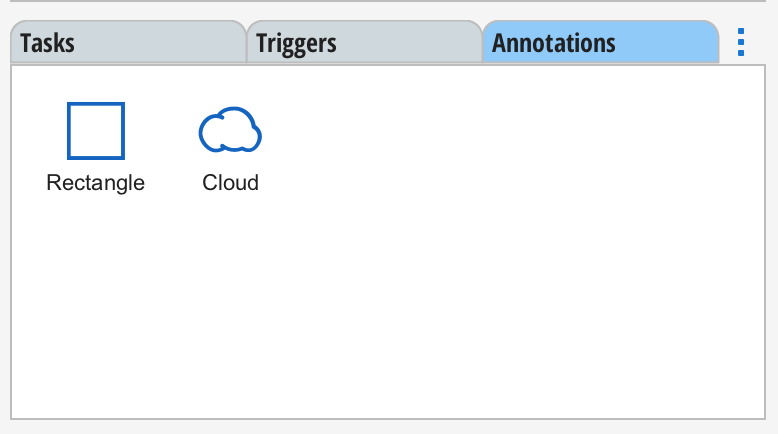
Both may contain text that can be edited by double clicking on the shape or by using the right-mouse and selecting "Configure".
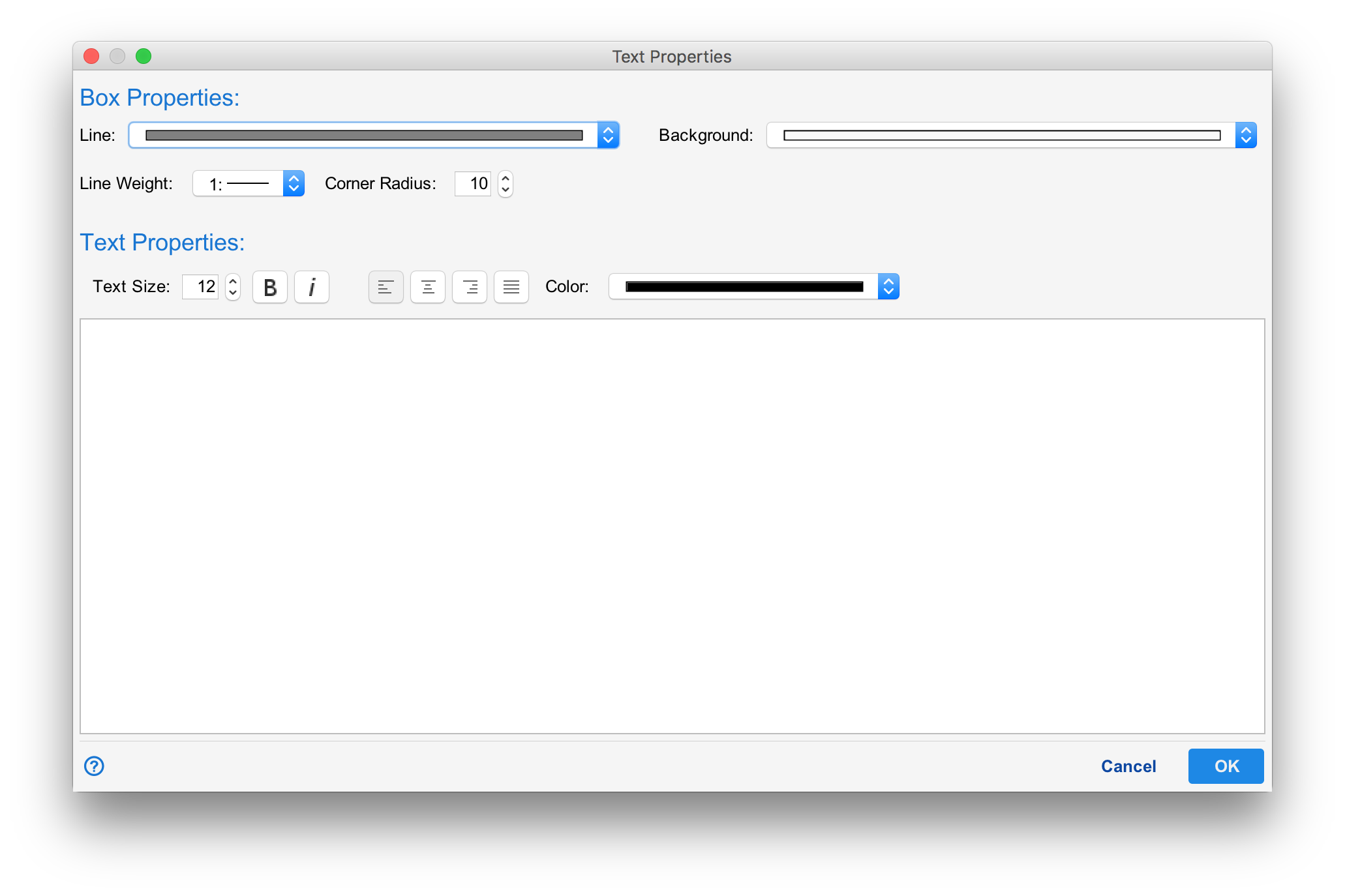
The annotation text editor allows you to select the line and fill color along with the line weight of the shape. The corner radius allows you to have rounded corners on shapes that support it (currently, the rectangle shape). The Text Properties section allows you to select the font size, bold, italic and paragraph justification of the text as well as the text color.