
Appearance
Calendars
Calendars are Situate objects that define a list of specific days of the year. Calendars are then used through out situate both to control when workflows run as well as to calculate dates, offsets, and other things.
For more information about scheduling workflows, see the Schedule Trigger.
For more information about date variables in workflows, see Date Builder Expressions.
Managing Calendars
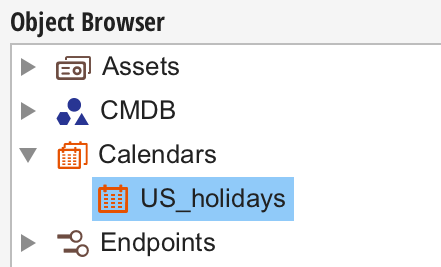
Calendars are managed in the "Calendars" section of the object browser. Members of the CalendarAdmins group can create a new calendar by opening the context menu in "Calendars" and selecting "New Calendar". Calendars can be edited or deleted by opening the context menu for a specific calendar and selecting "Edit" or "Delete".
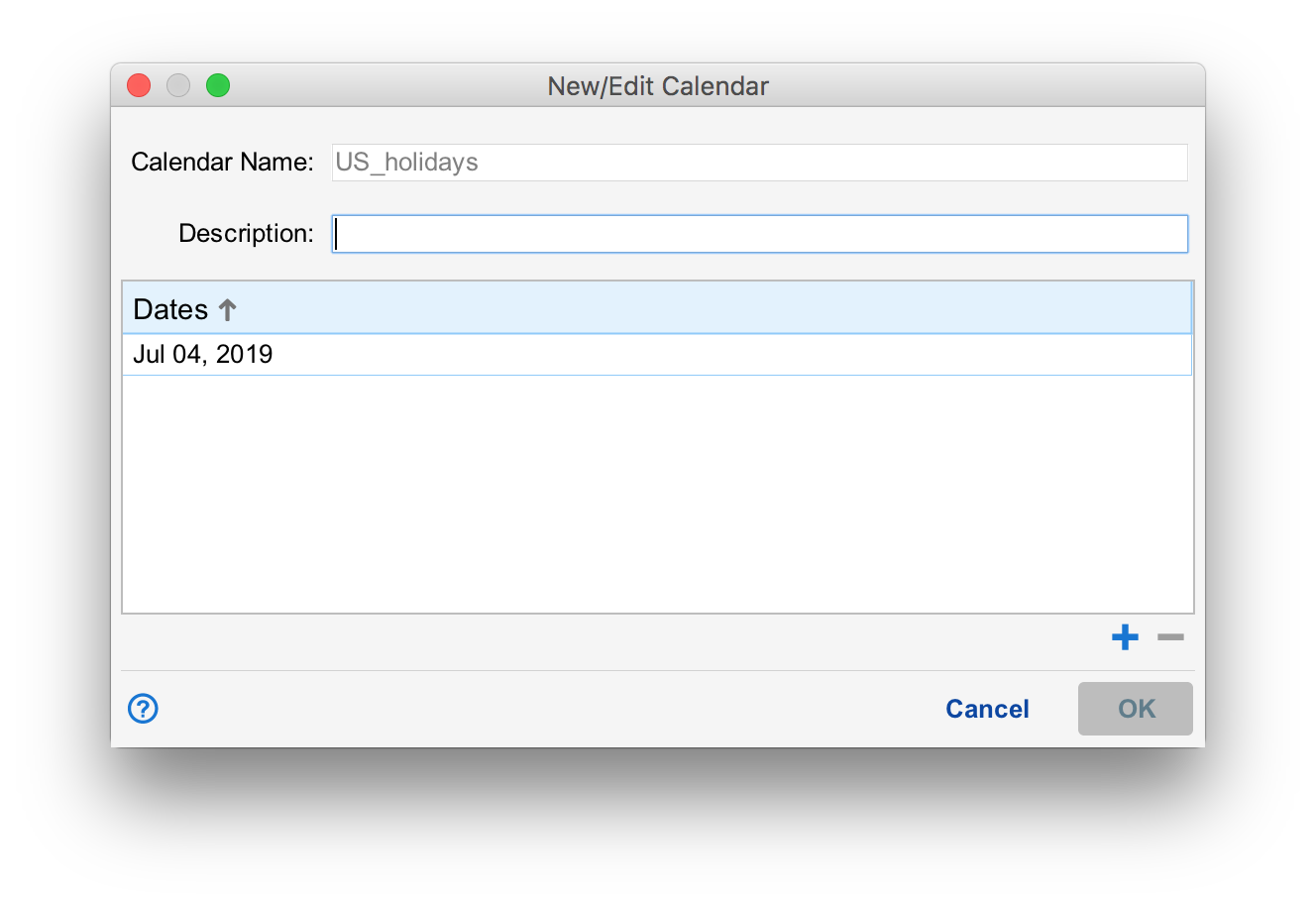
A Situate calendar is simply a list of dates. Dates are added with the "+" button in the calendar editor window. Dates may be edited or removed by pressing the "pencil" button or the "-" button respectively.
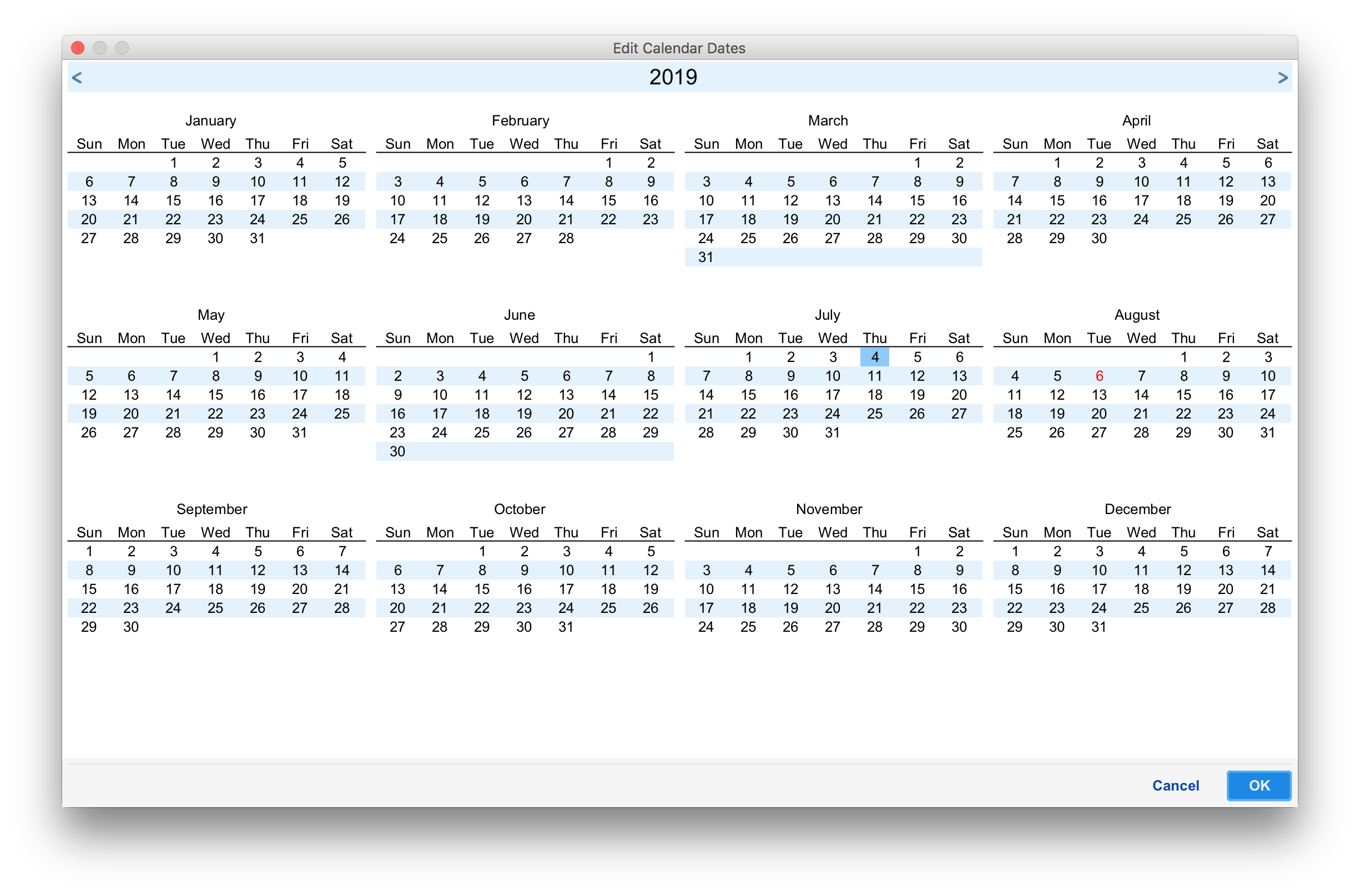
New or edited calendars will open in the yearly calendar, allowing dates to be easily selected.
Importing Calendars
Situate can import iCalendar files as Situate calendars. To import a calendar, simply add the .ics file to the Situate ical folder, as seen below.
<install-path>/data/calendars/ical/<calendar-name>.ical (UNIX)
<install-path>\data\calendars\ical\<calendar-name>.ical (Windows)